Cost-efficient — reduces TRC20 fees instantly
Fast — Energy lands in your wallet within seconds after purchase
Safe — no data or KYC needed, only your public wallet address
Flexible — buy Energy for instant transactions or set automatic modes
Scalable — modes that adapt as your activity grows
Tronex bot makes it simple to buy Tron energy instantly and set an automated flow that fits your operations
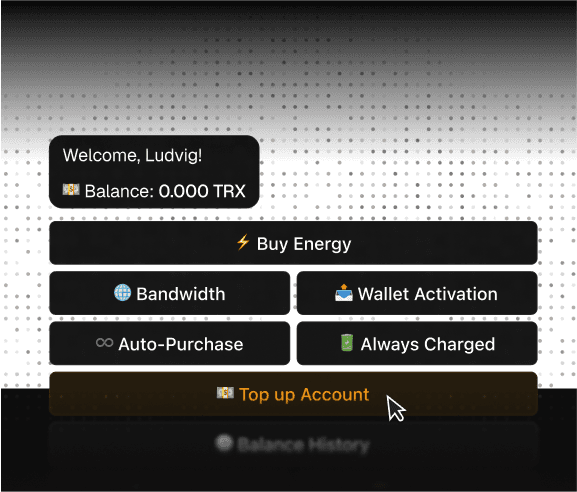
1. Top up your balance
Send TRX or USDT to a personal deposit address. The top-up is credited in seconds and spendable straight away.
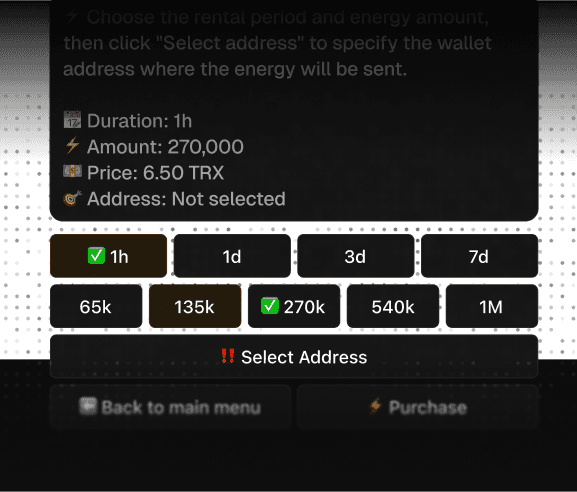
2. Choose amount and term
65,000 energy units for a wallet that already holds USDT, 131,000 for one that doesn't. Hourly, daily or monthly.
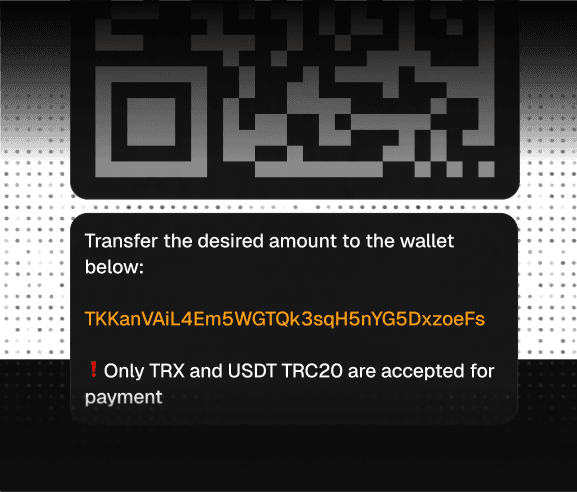
3. Add your addresses
One wallet or a whole fleet, managed from a single control panel. Public addresses only — we never ask for keys.
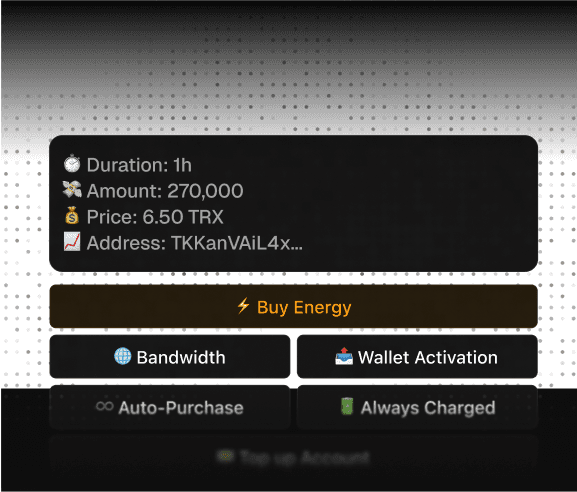
4. Send transfers
We delegate the TRON Energy on-chain within seconds and undelegate it automatically when the term ends.
TRON Energy rental can be interesting for anyone who regularly interacts with the network and TRC‑20 tokens : exchanges, payment solutions, processings, DApps, businesses & startups on TRON, and more.